# Creating Motion Design Rundown
{% hint style="info" %}
Before you begin, keep in mind that each Level we create will be referred to as a Template in the following sections. When we construct Playlists or Rundowns, we will generate Pages from these Templates. Each individual Template will be designed as a Level, having its own Remote Control Preset and Sequencer.
{% endhint %}
* Activate the Content Drawer, right click in an empty area.
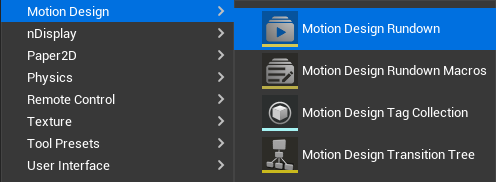
Motion Design Rundown Creation
* Go to Motion Design and select the Motion Design Rundown.
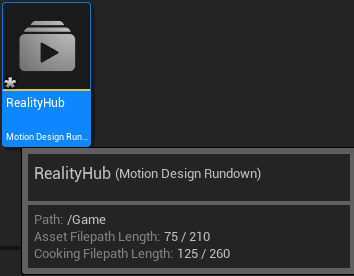
Renaming Motion Design Rundown
* Rename the Motion Design Rundown as **RealityHub**, double click on it.
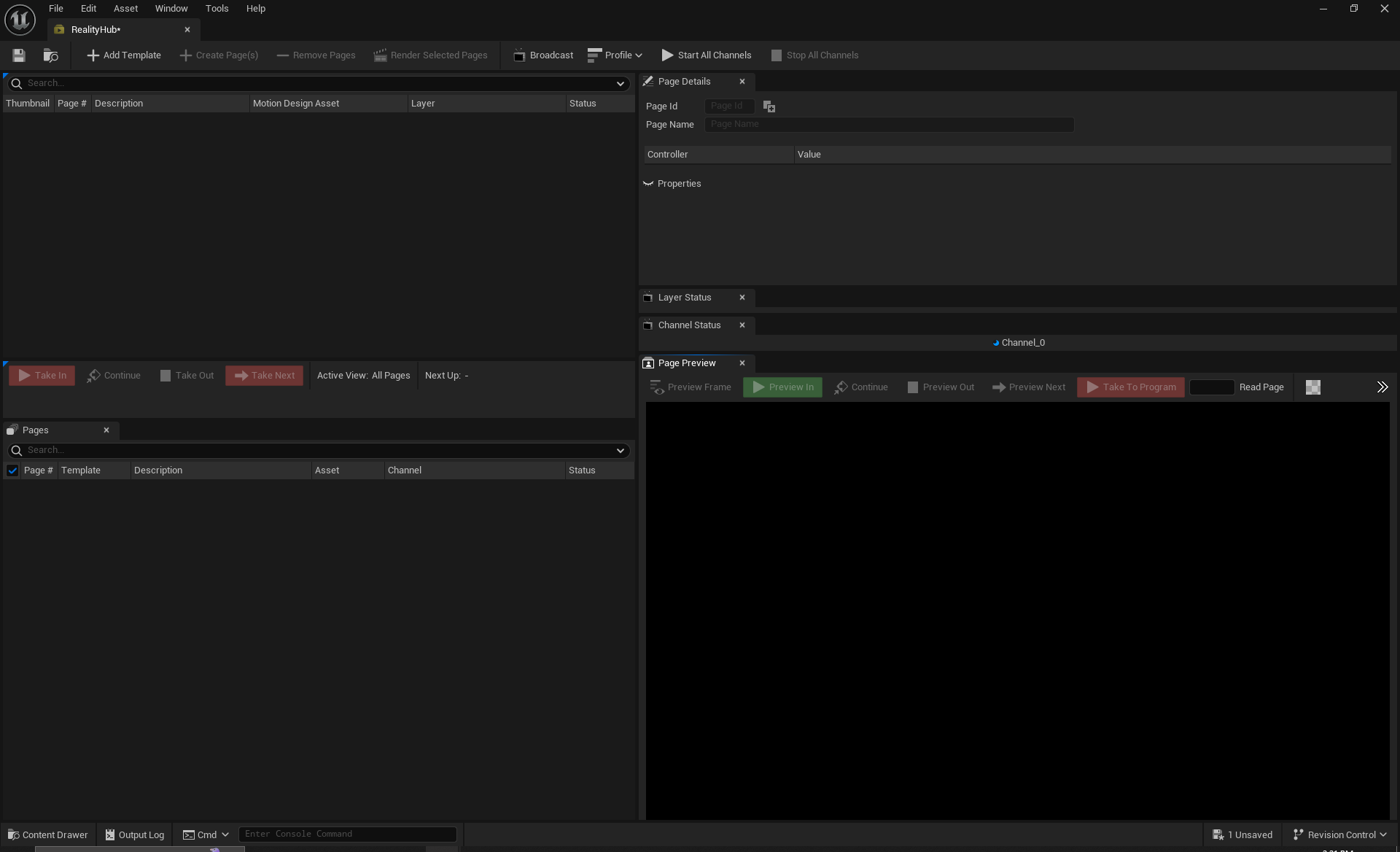
Motion Design Rundown Module
* Rundown is ready to be modified, as illustrated above.
---
# Agent Instructions: Querying This Documentation
If you need additional information that is not directly available in this page, you can query the documentation dynamically by asking a question.
Perform an HTTP GET request on the current page URL with the `ask` query parameter:
```
GET https://zerodensitydocumentation.gitbook.io/docs/reality-5.4-sp1/reality-5.4-sp1/user-guide/controlling-lino/creating-motion-design-rundown.md?ask=
```
The question should be specific, self-contained, and written in natural language.
The response will contain a direct answer to the question and relevant excerpts and sources from the documentation.
Use this mechanism when the answer is not explicitly present in the current page, you need clarification or additional context, or you want to retrieve related documentation sections.