
Reality Actor Spawning
In version 5.3.x, the Actor Spawning process has been optimized for simplified execution.
Process
Drag & drop
UE5process node into Nodegraph canvas.

Select the
UE5node, go to expand Control and then expand theSpawn Actorproperty group in the Node Details Panel, as illustrated above.
Spawn Actor property group consist of the following properties:
Actor List: A dropdown menu for listing and selecting an actor to be spawned.
Spawn to World Coordinates: If you enable the checkbox, your actor will be spawned in the center of your scene. If the checkbox disabled, then actor will be spawned into tracking origin.
Spawn Location / Rotation / Scale: Transform properties of your actor to be spawned.
Example
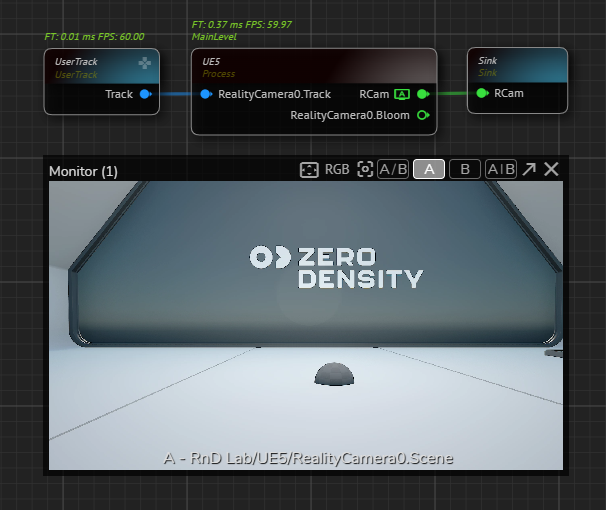
Create
UserTrack,UE5andSinknodes, activate the APM onRealityCameraoutput pin, as illustrated above.

Select the
UE5node, go to Property section of the Node Details Panel, as shown in the image above.

Select the Blueprint Effect Fire from the
Actor Listdropdown menu.Enable the
Spawn To World Coordinatesby clicking on its checkbox.Click on the Spawn Actor button.

Spawned actors are always listed inside the Reality Actos folders, as illustrated above.
To delete a spawned actor:

Hover your mouse over an actor that located under the Reality Actors folder.
Right click and select the Delete Actor option, as shown in the image above.